
Features
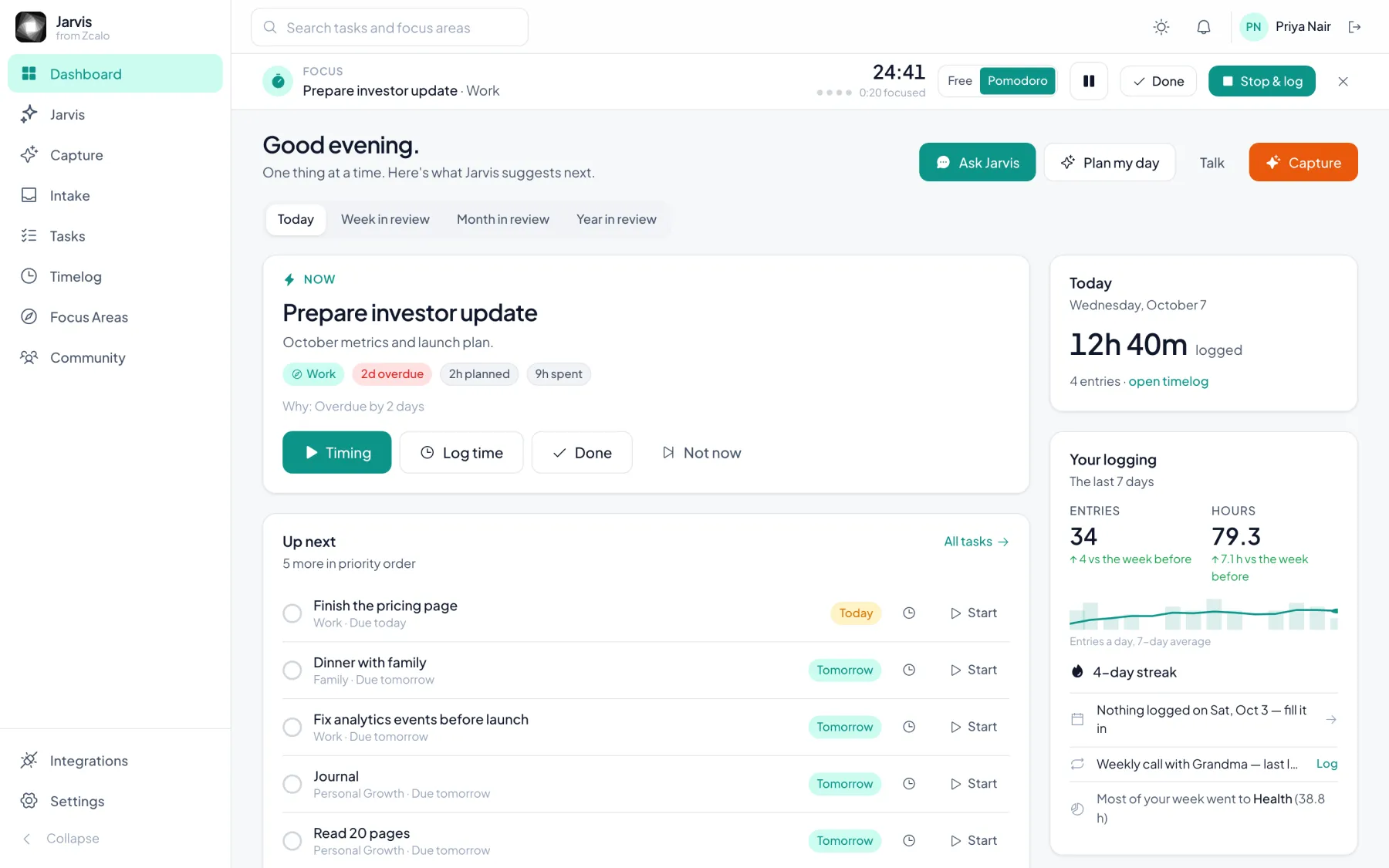
A Pomodoro timer that logs your focus time
Start any task and switch the timer to Pomodoro: 25 minutes of focus, a 5-minute break, a 15-minute break after every fourth. Jarvis counts only the focus time, and when you are done it becomes a time log on that task — no separate tracker to fill in.
Focus, break, repeat — and the log writes itself
The timer moves from focus to break and back on its own, and tells you when each phase ends. Pause when you are interrupted; resume and the phase picks up where it stopped. Press Done and the log form opens with the focus time already filled in.
On your iPhone lock screen
On iPhone the running timer shows on the lock screen and in the Dynamic Island: the task, the phase and its countdown, with Pause, Resume and Cancel buttons (iOS 17 and later). You do not need to open the app to take a break.
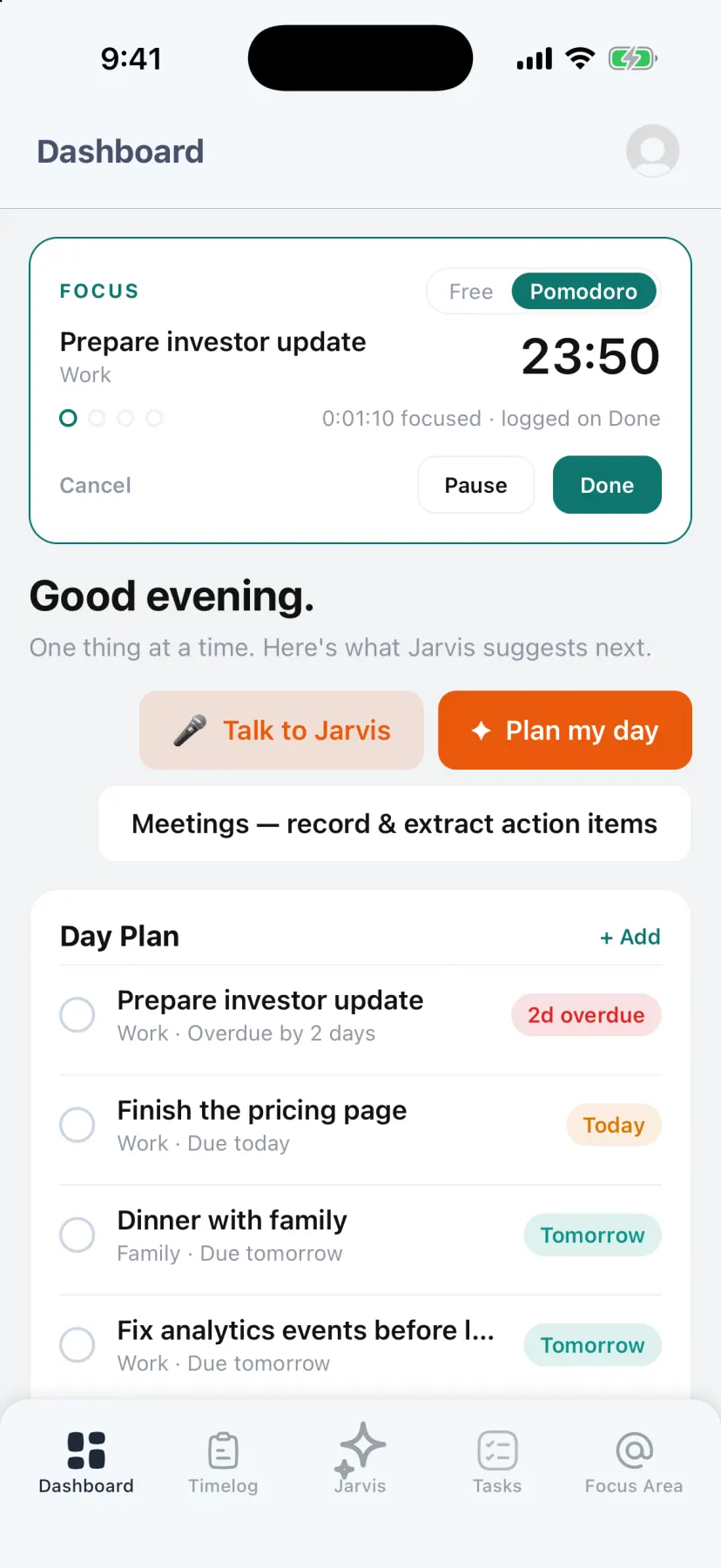
Free timing when Pomodoro is not the right fit
Some work does not fit 25-minute blocks. Switch the same timer to Free and it simply counts up; switch back to Pomodoro at any point and the time already run is kept.

Questions
- What is the Pomodoro technique?
- A focus method devised by Francesco Cirillo: work for 25 minutes, take a short break, and take a longer break after four rounds. The fixed blocks make starting easier and keep breaks from being skipped.
- Does the Jarvis timer log breaks as work?
- No. Only focus time accumulates; breaks are not counted in the time log.
- Can I control the timer from my iPhone lock screen?
- Yes. The timer appears as a Live Activity on the lock screen and Dynamic Island, with Pause, Resume and Cancel buttons on iOS 17 and later.
- Is there a Pomodoro timer on the web?
- Yes. Start a task on the web and a timer bar appears on every page, with the same Free and Pomodoro modes and a browser notification when a phase ends.
Read next: Deep work · Voice time tracking · Eisenhower matrix